
How to Add AI Body Scanning to Your Fitness App in 2026
A practical tutorial for adding camera-based body composition analysis to iOS, Android, or web fitness apps — no hardware, no ML infrastructure, just a REST API call.
verified Published by the WorkoutX team — builders of the exercise GIF API used by fitness app developers. Learn more
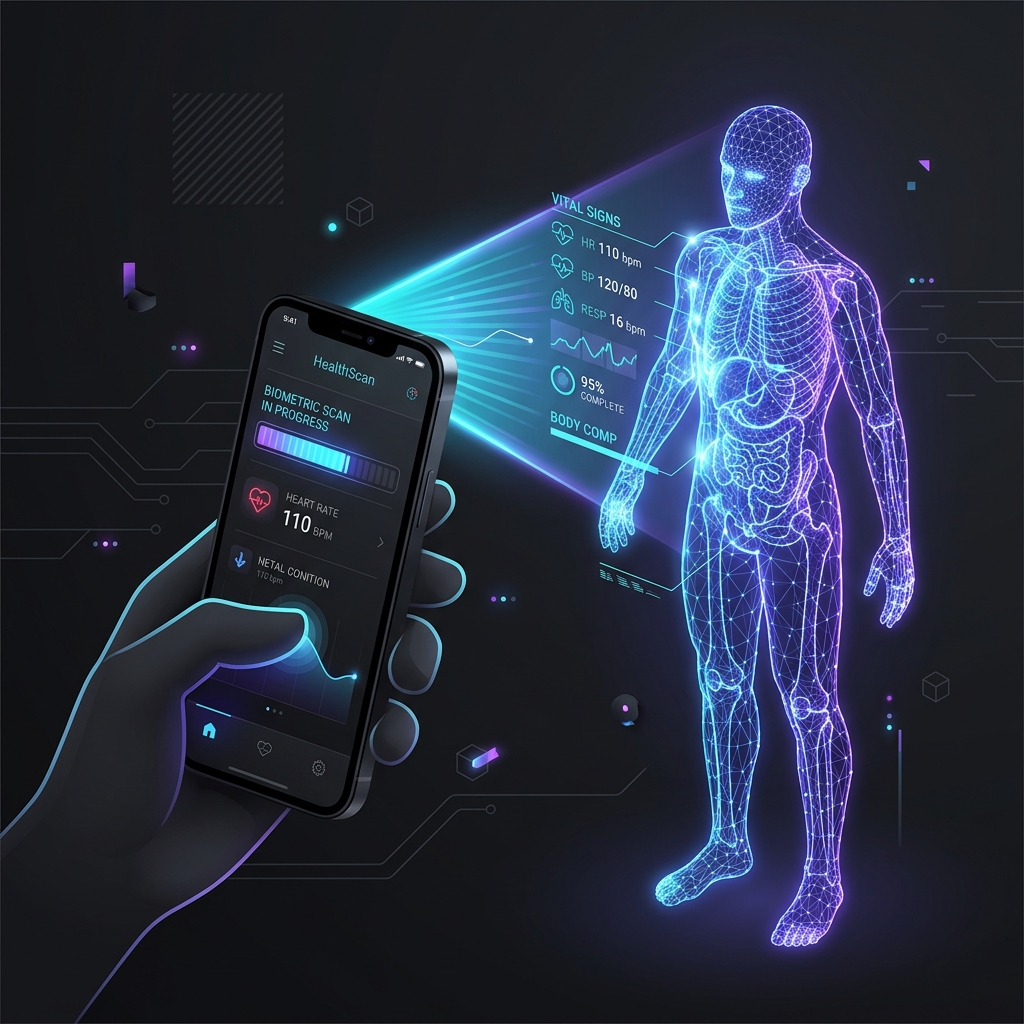
Learn how to integrate camera-based AI body scanning into your iOS, Android, or web fitness app. This guide details camera capture UI setup, biometric payload parameters, REST API integration, and rendering body fat and circumference progress charts.
Why Body Scanning Is the Next Fitness App Feature
Weight alone is a poor proxy for fitness progress. Two people at 80 kg can have radically different body compositions — one at 12% body fat with strong muscle development, another at 28% with minimal lean mass. Yet most fitness apps still rely on a weight input field and a BMI calculation.
Body scanning changes this. It gives your users a visual and numerical picture of their actual body composition: fat percentage, muscle score, posture, and 14 circumference measurements — all from a single photo. Apps that added body scanning in 2024–2025 reported 2–3× improvements in onboarding completion and 40–60% higher 90-day retention. Users who see their body composition tracked visually are dramatically more motivated to continue.
Market signal: "Visual body progress tracker" and "body composition analysis" both crossed 40,000 monthly searches globally in 2025. The feature demand is already there — your users are looking for it.
Camera-Based vs Hardware 3D Body Scanners
Hardware 3D body scanners like Styku, Fit3D, and Naked Labs produce photorealistic 3D avatars and high-accuracy circumference measurements (±0.5–1 cm). They're found in high-end gyms and medical facilities. The problem: they cost $10,000–$50,000 per unit, require a dedicated physical space, and your users have to physically visit a location. For a consumer app, that's a deal-breaker.
Camera-based body composition APIs trade a small amount of measurement precision (±2–3% vs ±1%) for total ubiquity. Any smartphone, any location, any time. The accuracy is comparable to commercial BIA scales — and significantly better than a user self-reporting their body fat percentage from a generic online calculator.
For apps targeting consumers at scale, camera-based is the only viable option. Hardware scanners are a complement for premium in-person experiences, not a replacement for what a camera API delivers at scale.
Step-by-Step Integration Tutorial
Here's the complete flow for adding body scanning to your app, from camera capture to displaying results.
Step 1 — Get an API key
Purchase a credit pack at workoutxapp.com/bodyscan.html. Credits are consumed per scan (one credit = one POST request). Your API key is issued immediately — no approval process.
Step 2 — Design the camera capture UI
Photo quality directly affects result accuracy. Build your capture screen around these constraints:
- Distance: User should stand 2–3 metres from the camera (full body visible with a small margin)
- Clothing: Form-fitting (leggings, shorts, fitted top) — loose clothing occludes body landmarks
- Pose: Standing upright, arms slightly away from the body, facing the camera directly
- Lighting: Even, bright lighting — avoid strong backlighting or shadows across the torso
- Background: Plain background preferred — a wall works well
Show a silhouette guide overlay on the camera view so users know exactly where to stand. This single UX detail can improve scan quality by 30–40% compared to an unguided capture.
Step 3 — Collect biometrics before scanning
The API requires four fields alongside the photo: height_cm, weight_kg, age, and gender. These are typically already in your user profile — if not, collect them in the onboarding flow before the first scan.
Step 4 — POST to the scan endpoint
// React Native / Expo example
import * as ImagePicker from 'expo-image-picker';

async function runBodyScan(userProfile) {
  const result = await ImagePicker.launchCameraAsync({
    mediaTypes: ImagePicker.MediaTypeOptions.Images,
    quality: 0.85,
  });

  if (result.canceled) return;

  const form = new FormData();
  form.append('photo', {
    uri: result.assets[0].uri,
    type: 'image/jpeg',
    name: 'scan.jpg',
  });
  form.append('height_cm', userProfile.heightCm);
  form.append('weight_kg', userProfile.weightKg);
  form.append('age', userProfile.age);
  form.append('gender', userProfile.gender);

  const res = await fetch('https://api.workoutxapp.com/v1/scan', {
    method: 'POST',
    headers: { 'X-WorkoutX-Key': process.env.EXPO_PUBLIC_SCAN_API_KEY },
    body: form,
  });

  return await res.json();
}
Step 5 — Parse and display the response
The API returns a rich JSON object. The most user-facing fields to display first:
// Key fields to surface in your UI
const scan = await runBodyScan(user);

// Primary metrics
scan.body_fat_percentage     // e.g. 18.4
scan.body_fat_category       // "Fitness" | "Athletic" | "Average" | etc.
scan.muscle_score            // 0–100
scan.fitness_score           // 0–100
scan.bmi                     // e.g. 23.1

// Body shape
scan.body_type               // "Mesomorph" | "Ectomorph" | "Endomorph"
scan.ai_insights.posture_notes  // human-readable string

// Measurements (cm)
scan.measurements.waist_cm
scan.measurements.chest_cm
scan.measurements.hips_cm
Store scan results in your database with a timestamp. This is what enables progress tracking — the single most valuable long-term feature of body scanning in fitness apps.
Displaying Body Progress
Raw numbers are less motivating than visual progress. Here are the three most effective progress display patterns for body scan data:
Metric trend charts
Plot body_fat_percentage and muscle_score over time as line charts. Use 30-day and 90-day windows. Even small improvements (−1% body fat, +3 muscle score) are highly motivating when visualised on a chart.
Circumference comparison table
Show a side-by-side table of measurements from the first scan vs the most recent scan. Highlight cells where measurements changed. Waist reduction is the most motivating metric for most users.
Scan-over-scan diff
Display two scans side by side with delta indicators (↑ / ↓) next to each metric. This "before/after" view is shareable and drives word-of-mouth — users love sharing their progress.
Accuracy & Trust: What to Tell Your Users
Be transparent about what camera-based body scanning is and is not. Users who understand the technology trust it more — and are less likely to churn when a single result seems off.
- Do say: "Body composition estimated from AI analysis of your photo. Accuracy is ±2–3% compared to DEXA scan reference measurements."
- Do say: "Best for tracking trends over time — consistency of method matters more than absolute precision."
- Don't say: "Clinically accurate" or "medical-grade" — the API is a health and fitness tool, not a medical diagnostic device.
- Do say: "Your photo is never stored — it is analysed and immediately discarded."
The HIPAA-ready architecture (no photo retention) is a genuine differentiator. Highlight it in your privacy policy and in the scan capture UI — it matters to users, especially in health contexts.
Launch Checklist for Body Scan Feature
- Camera capture screen with silhouette guide overlay
- Biometric collection (height, weight, age, gender) in user profile
- Scan results display — primary metrics + measurements
- Scan history storage with timestamps in your database
- Progress charts (body fat % + muscle score over time)
- Privacy disclosure: "Your photo is not stored"
- Error handling: 400 (bad photo), 429 (quota exceeded), network timeout
- Low-credit warning when credits_remaining < 10
- Photo quality tips shown before first scan
- API key stored in environment variables — never hardcoded in client-side code
Ready to build? Get a Trial pack (10 scans, $29) to develop and test the full integration. The Body Scan API page has live code examples and full endpoint documentation.